Appearance
🛡️ Registering Your Club
Once you arrive at the KlubFunder website, the best thing to do is get registered so you can view the available features and test them out.
🚀 Getting Started with Registration
To begin the registration process, click the link below:
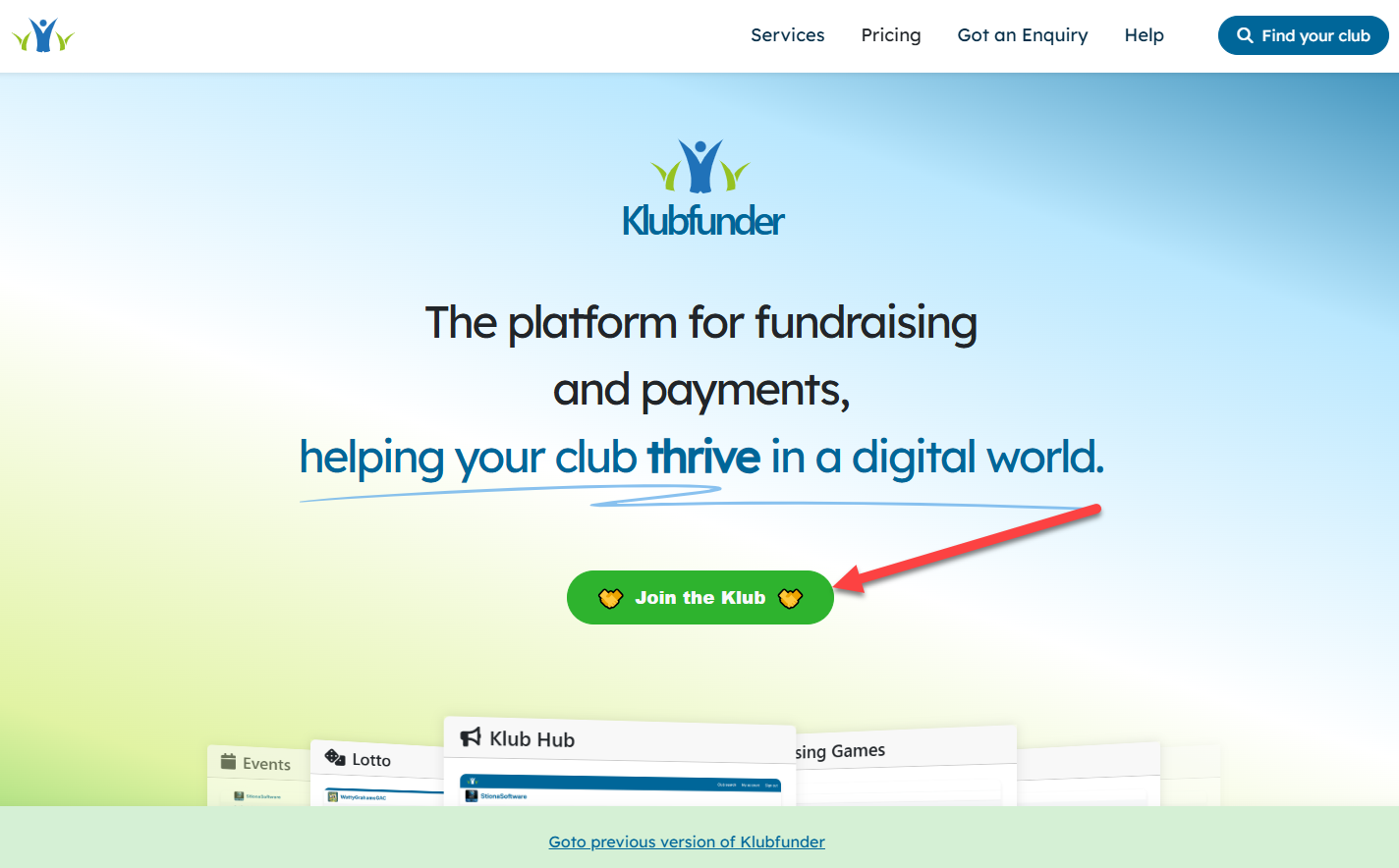
💡 Already on the KlubFunder Website?
You can also register by clicking the "Join the Klub" button shown below:
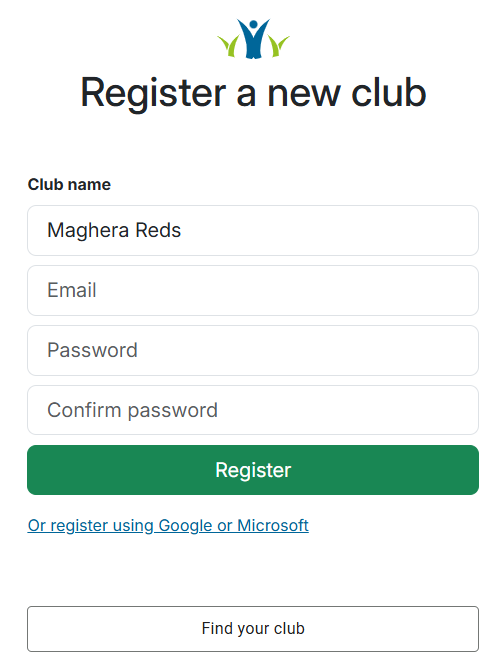
📝 Entering Club Details
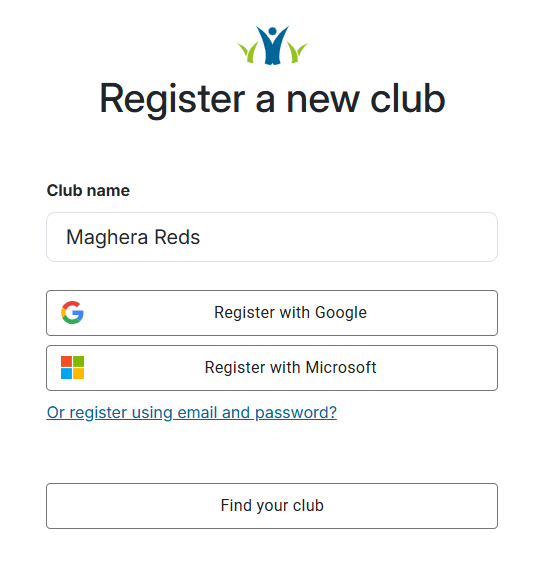
After clicking Register, you'll be asked to:
- Enter the name of your club.
- Choose one of the following registration methods:
- Google or Microsoft account
- Or click "Register using email and password?"
✅ If you choose email registration, you'll need to:
- Enter your email
- Create a password
- Confirm your password
💱 Selecting Club Currency
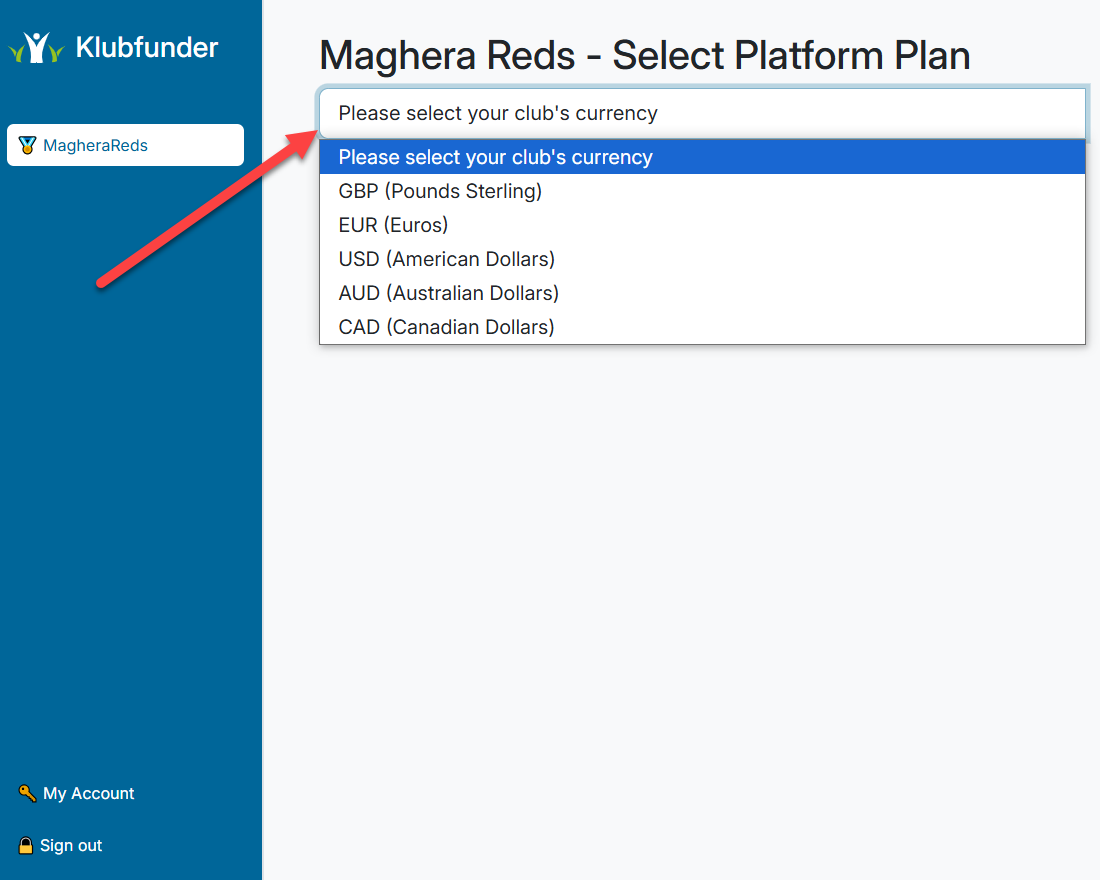
Next, you'll be prompted to select your club's currency:
- Click the dropdown menu.
- Select the appropriate currency for your region.
💎 Choosing a Club Plan
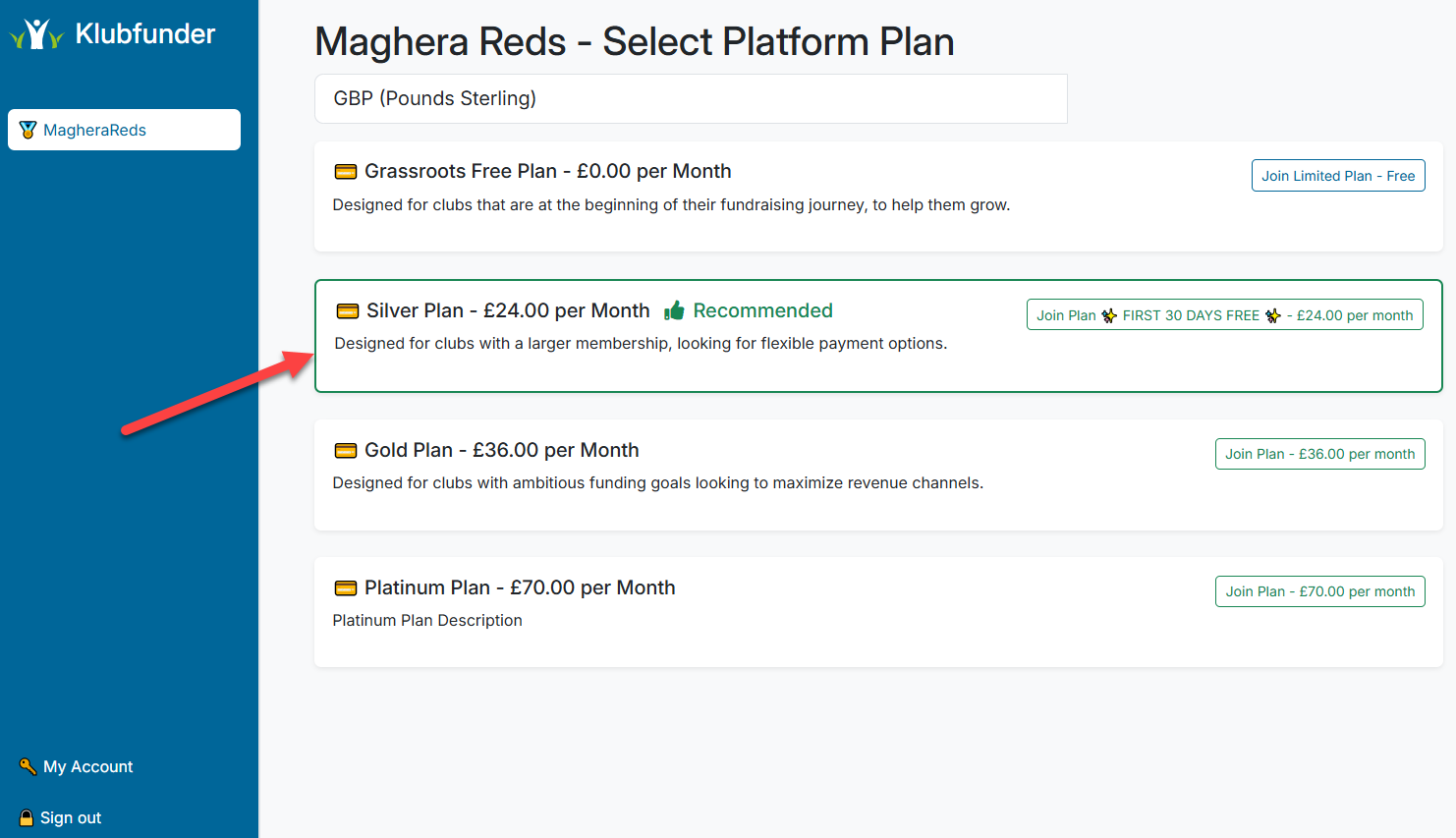
Once you've selected the currency, you'll proceed to the Club Plan selection:
- Starter is the free platform plan, this limits you on features available and is a pay as you go model, so you will have credits and these are per sale
- New clubs can join the Core Plan with a free trial for the first 30 days
- This allows you to experience extra features before committing
📇 Filling Out Club Contact Details
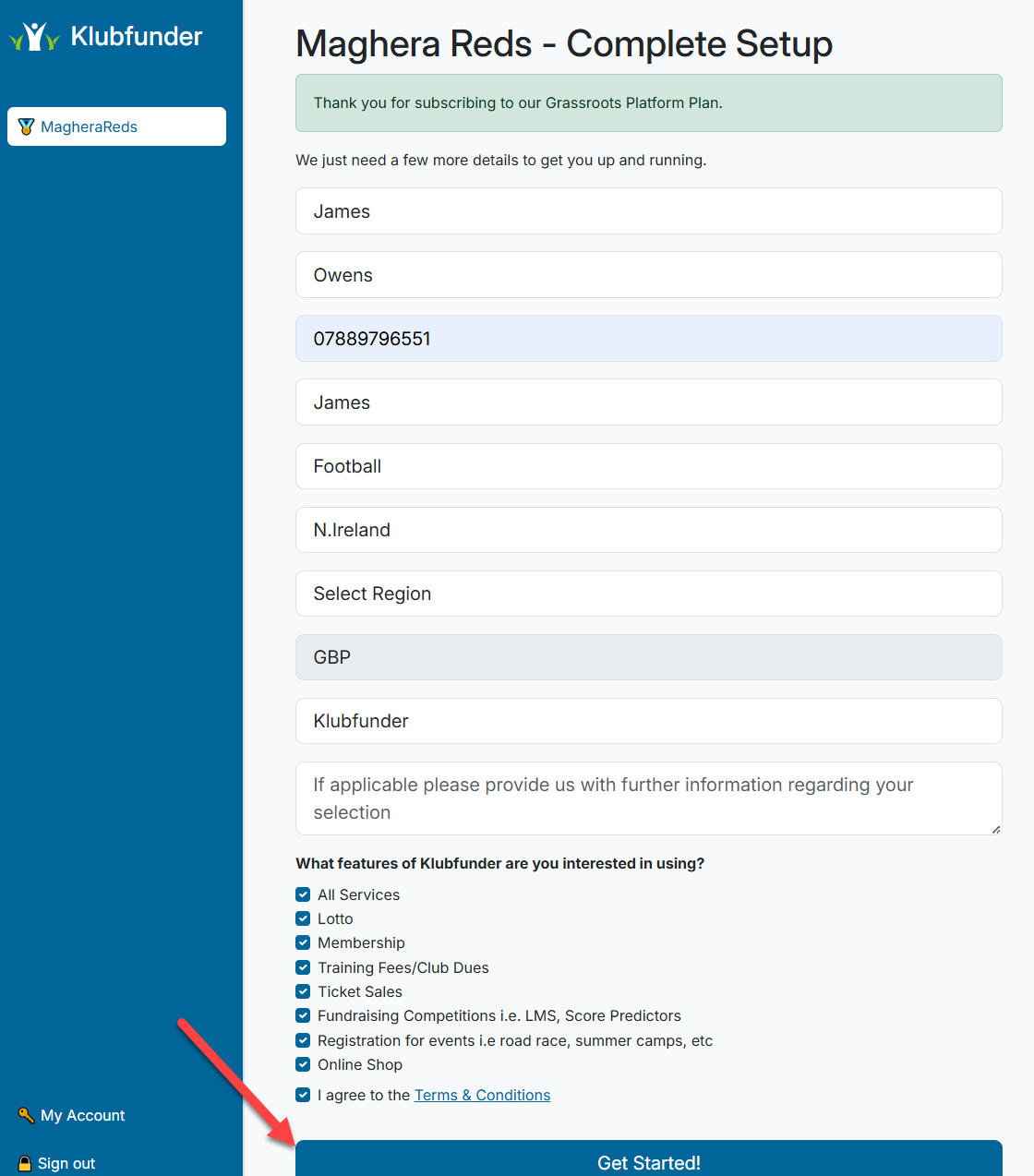
In the final step:
- Enter the club's contact details.
- Select the features you're interested in using.
- Click the "Get Started!" button to create the club.
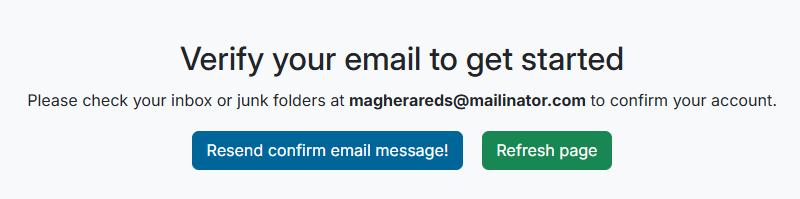
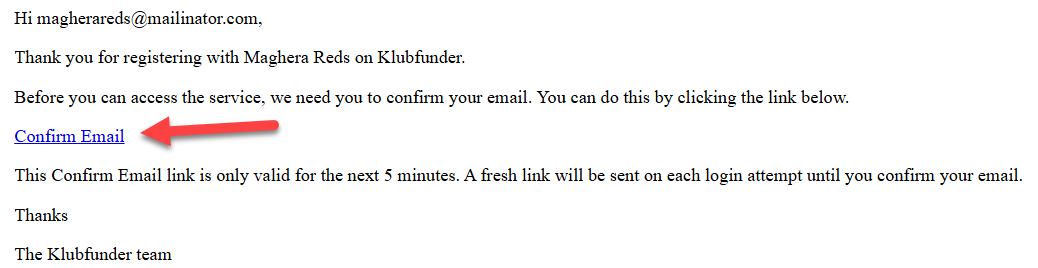
📧 Verify Your Email
You'll receive a verification email in your inbox:
- Click the verification link in the email.
- Once verified, log in again to access your club account.