Appearance
🛡️ Registering a New Club
Getting your club registered is fast and simple. As you begin, the main thing to decide is whether you plan to start collecting payments right away, in which case you’ll need to set up a Stripe account, or if you prefer to explore the platform first and return to Stripe later.
🚀 Start Your Registration
Click the link below to begin:
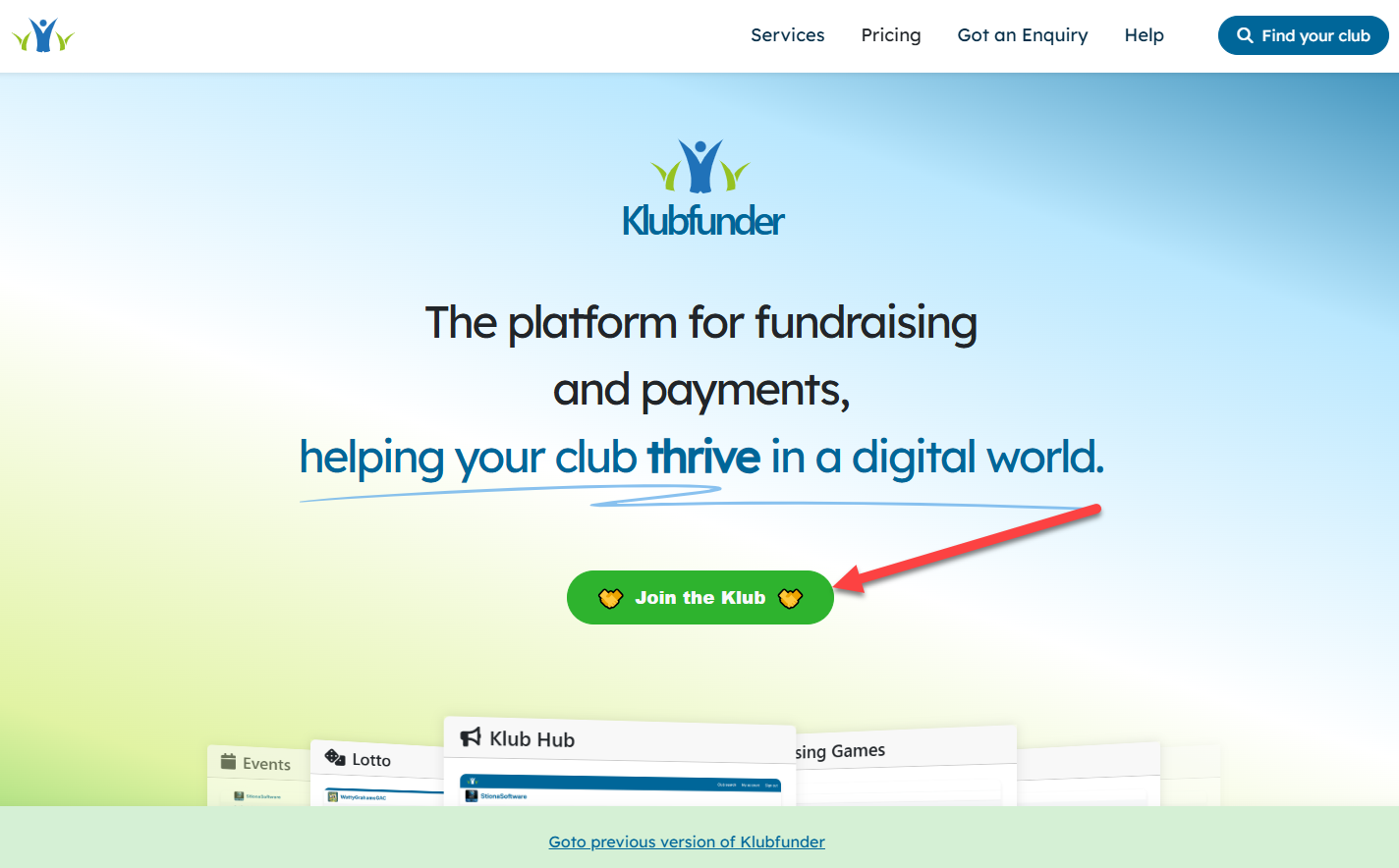
💡 Already browsing the Klubfunder website?
You can also click the “Join the Klub” button shown below.
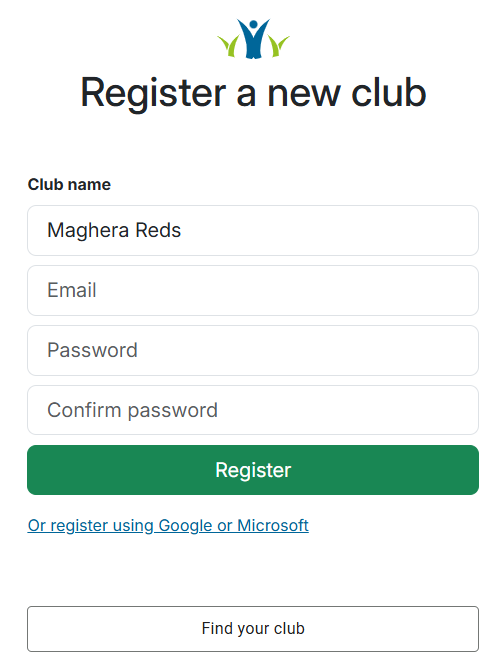
📝 Enter Your Club Details
You'll first be asked to enter the name of your club and choose how you want to register.
You can sign up using:
- Microsoft
- Email and password
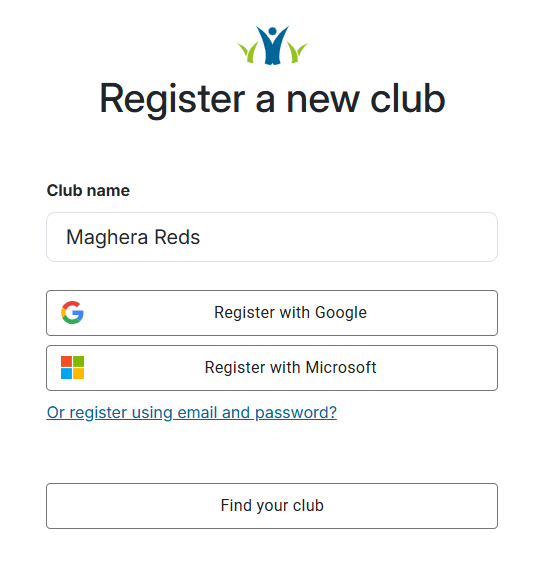
If you choose email registration, you’ll simply provide:
- Your email address
- A password
- Password confirmation
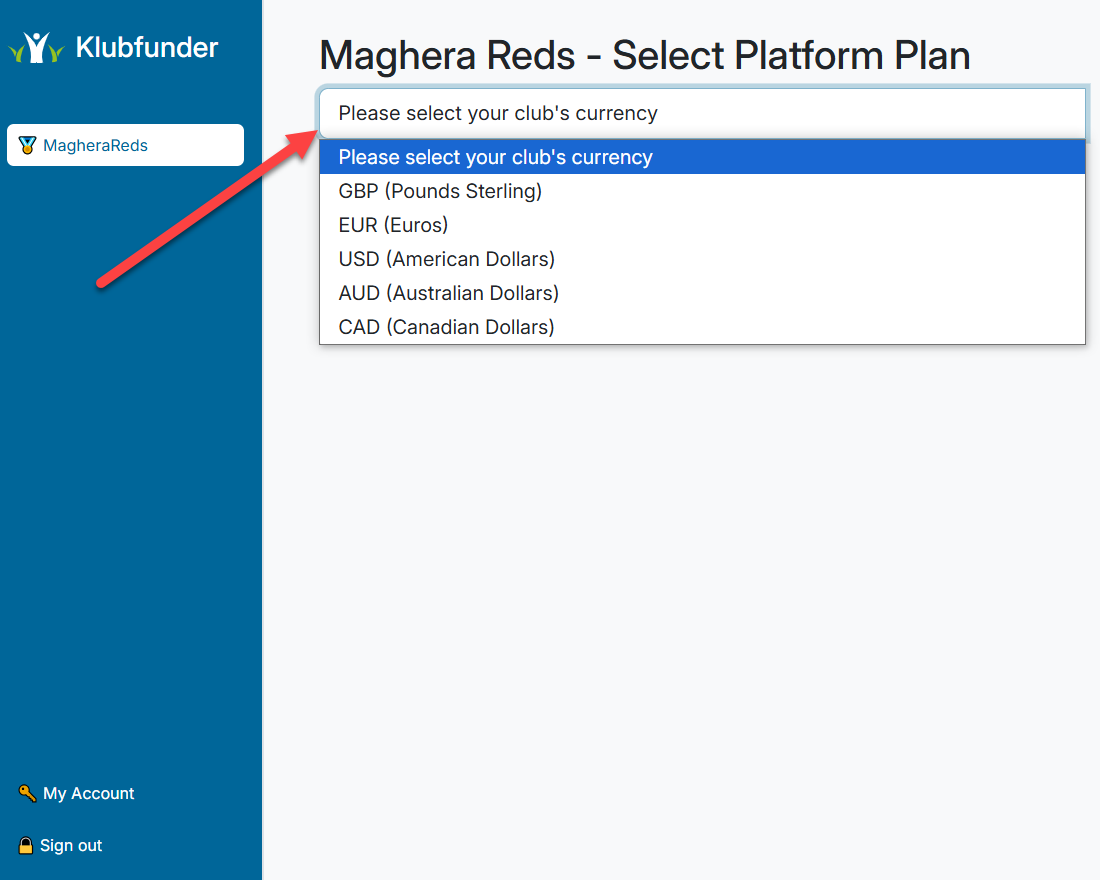
💱 Select Your Club’s Currency
Choose the currency your club operates in.
Use the dropdown menu and pick the one that matches your region.
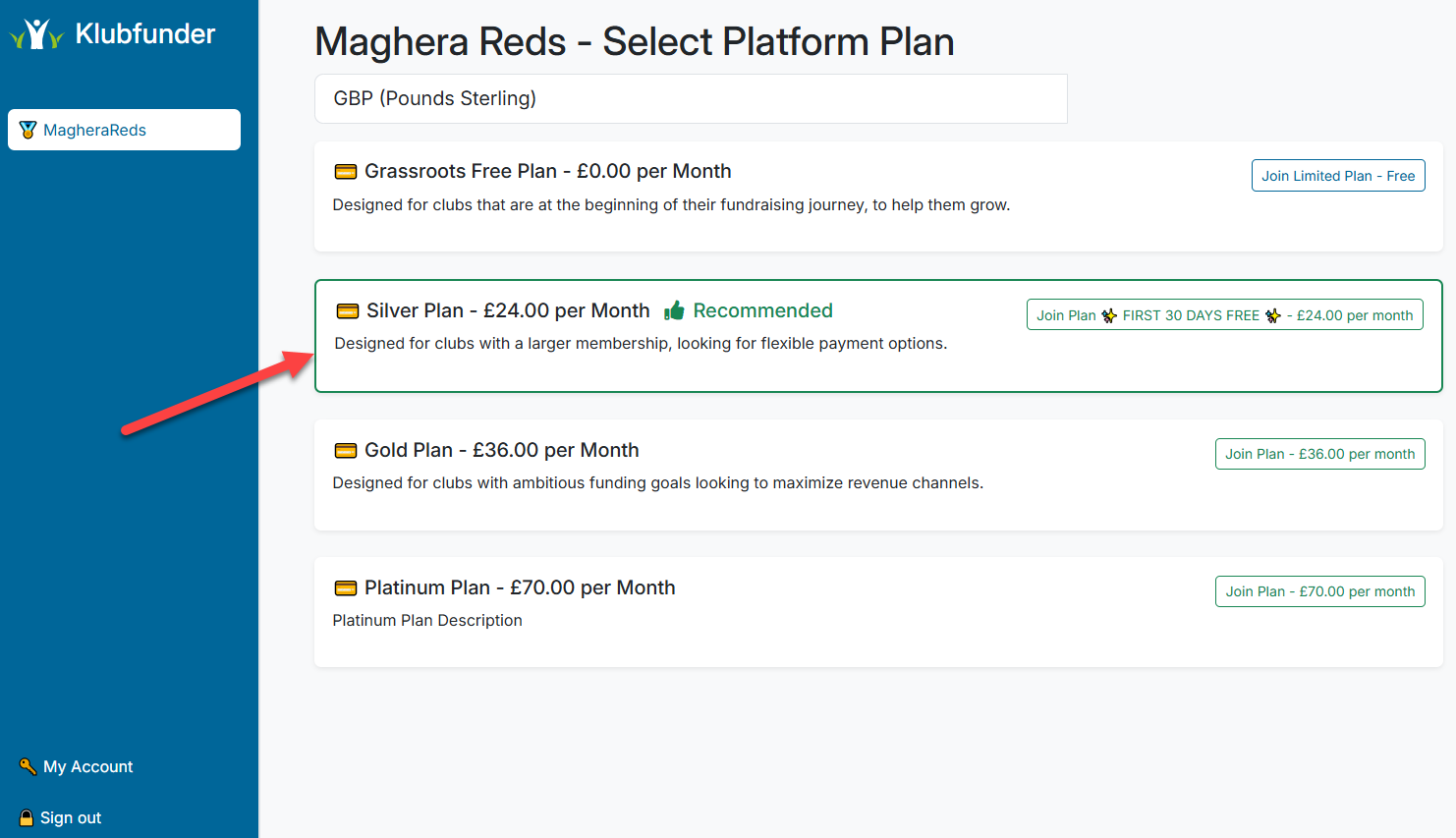
💎 Choose a Club Plan
Next, you'll select a club plan:
Starter Plan
Free to use, includes core features, and runs on a pay-as-you-go credit model.Paid Plan
Unlocks additional features and tools for your club. Learn more about the available plans.
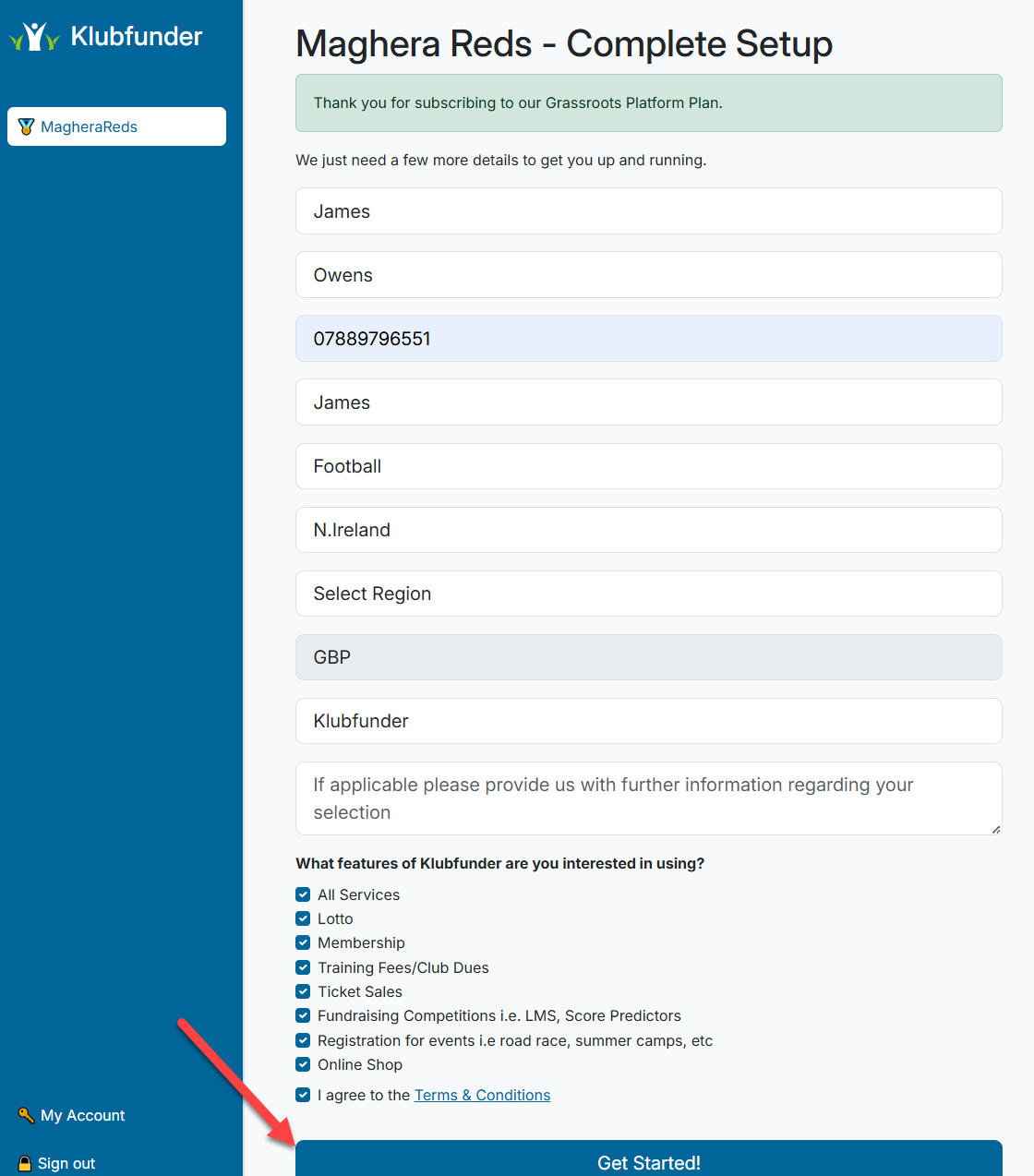
📇 Complete Your Club Contact Details
In the final setup step:
- Enter the club’s contact information
- Select the features you're interested in using
- Click “Get Started!” to create your club
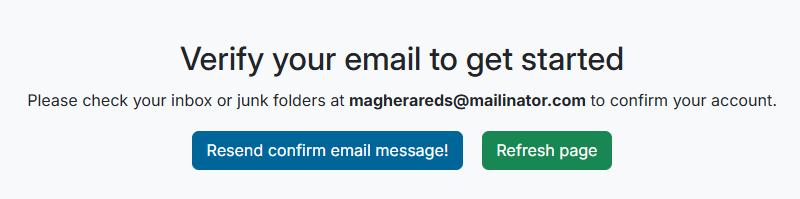
📧 Verify Your Email (For Email and Password Option)
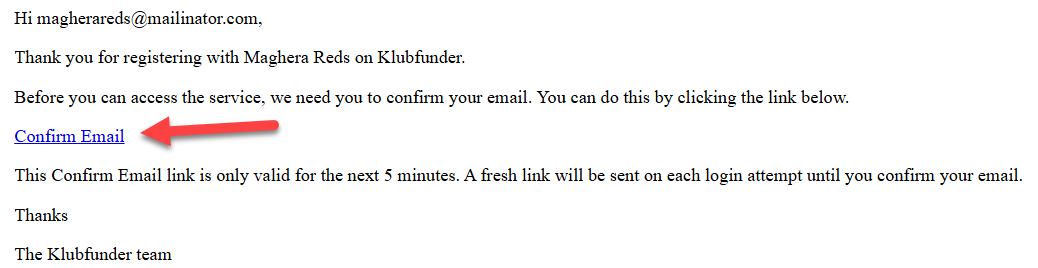
A verification email will be sent to the address you used during registration.
To finish:
- Open the email
- Click the verification link
- Log back in