Appearance
How to Connect Stripe to Klubfunder
This guide will help you set up and connect a Stripe account to your Klubfunder profile so you can collect payments and donations directly into your bank account.
🎯 Goal
Create and connect a Stripe account to Klubfunder so your club can receive online payments for fundraising, ticketing, and memberships.
✅ Step 1: Create a New Stripe Account
Follow the Stripe registration steps:
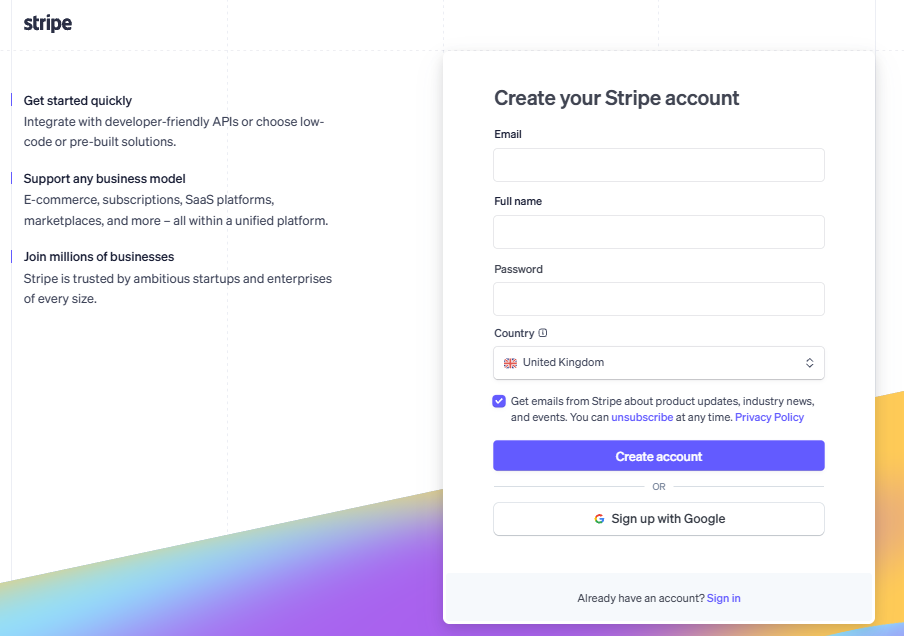
- Enter your email, name, and create a password, alternatively register using a google account (if you have one).
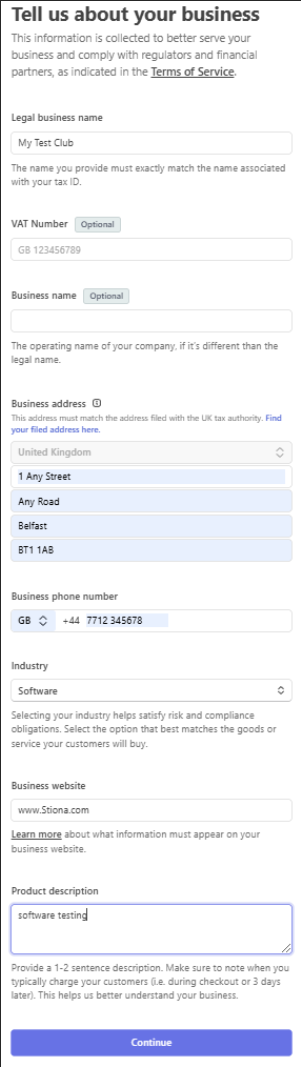
- Select the appropriate business type :
- Nonprofit Organization or Company (if registered)
- Individual / Sole Trader or Unincorporated Association (if not registered)
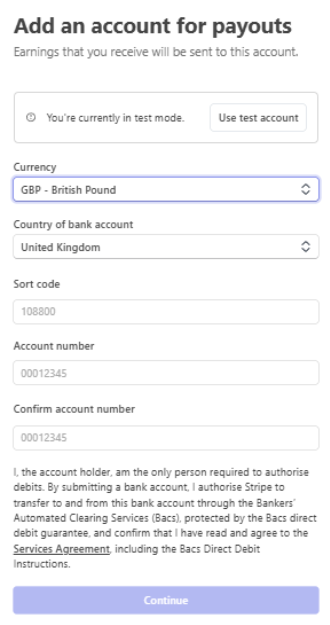
- Enter your bank account details for payouts
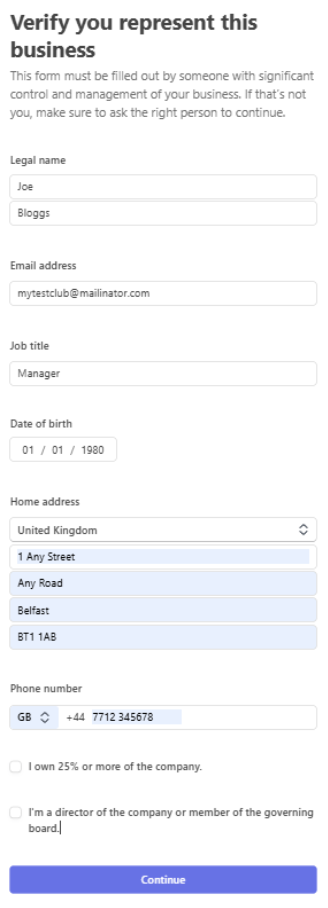
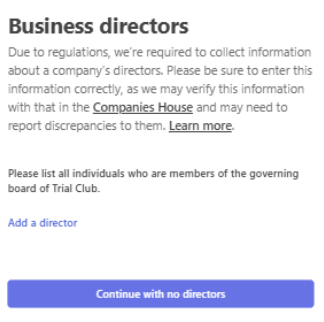
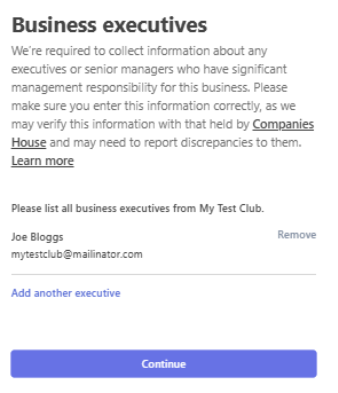
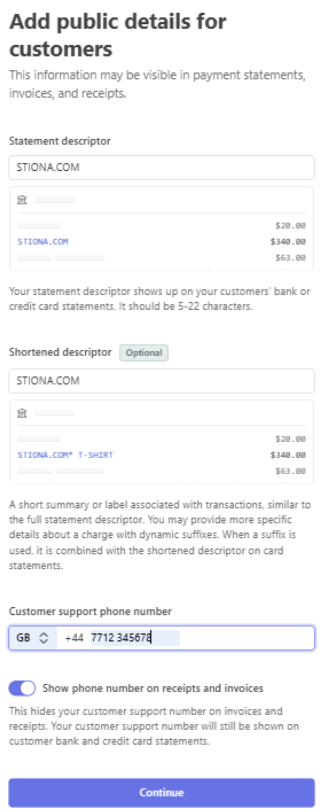
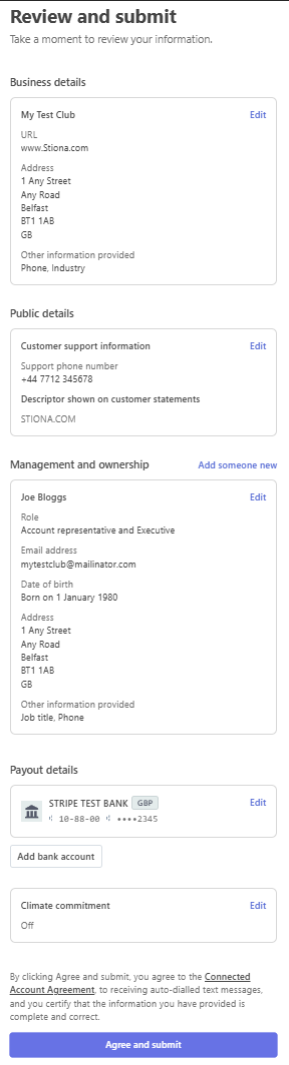
- Complete the identity verification process
✅ Step 2: Login to Klubfunder
- Go to https://www.klubfunder.com/Clubs/Login
- Log in with your club’s admin credentials
✅ Step 3: Connect Stripe in Klubfunder
- In the Club Dashboard, navigate to your Payment Settings or Stripe Setup area
- Click on “Connect with Stripe”
You’ll be redirected to Stripe.
✅ Step 4: Authorize Klubfunder in Stripe
- Log in to your Stripe account if prompted
- Review the Klubfunder connection request
- Click “Authorize access to this account”
After authorizing, you’ll return to Klubfunder and the connection will be active.
✅ Step 5: Optional – Test a Payment
To ensure everything works:
- Create a small test transaction (e.g., ticket or donation)
- Log into your Stripe Dashboard
- Confirm the payment shows under Payments
New To Stripe
To start you will need to register a new account on stripe by using the link below
Stripe allows you to sign up with a Google account (if you have one) or use an email and password.
Register a New Account with Stripe
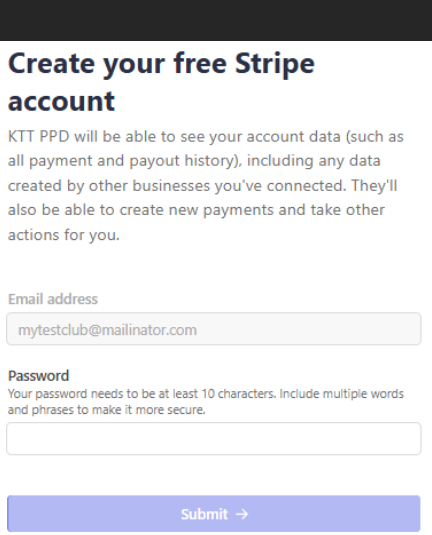
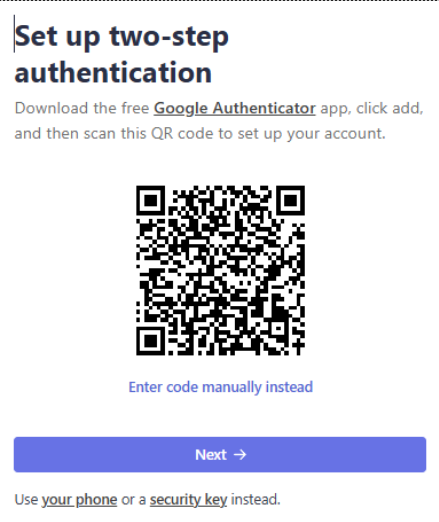
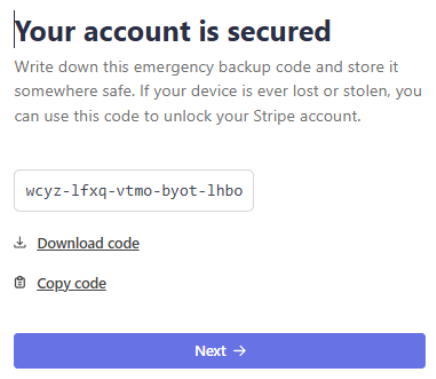
Click your phone & enter your phone number, a security code is sent to your phone
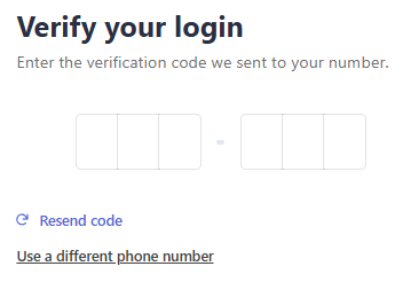
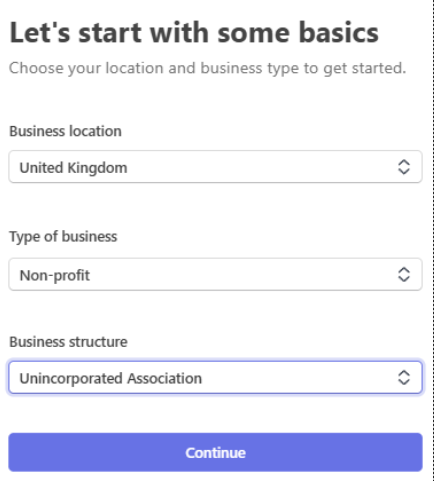
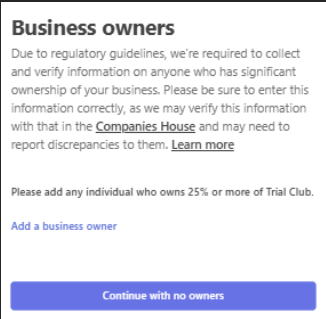
*** If you select ‘Charitable Company’ as your Business Structure you will be asked for a Companies House Registration Number (CRN), don’t have to fill this out if your business structure is ‘Unincorporated Association’