
Appearance
Upgrade Plan
After clicking the upgrade plan button in the club header, the admin will be presented with the platform plans screen as displayed below.
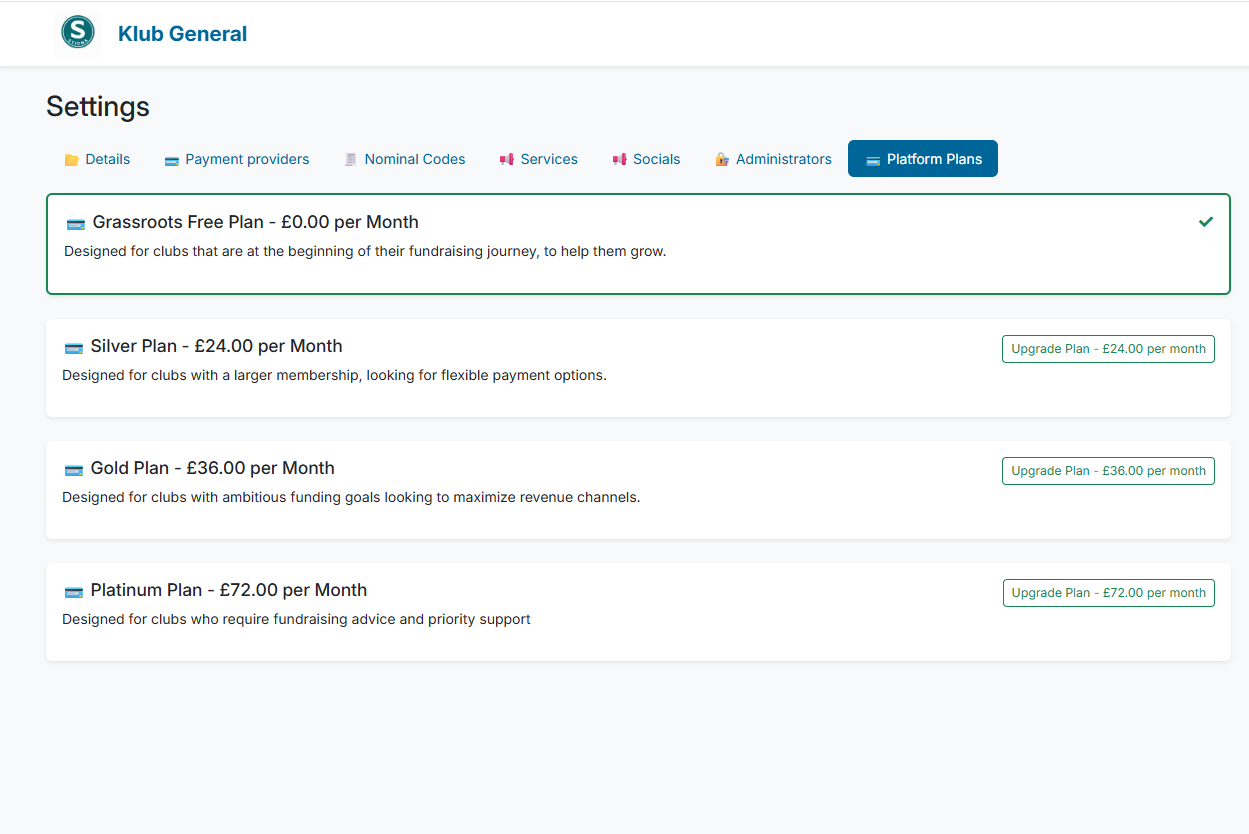
From this screen, the club can purchase a paid plan. When purchasing a Klubfunder plan using GoCardless, you will need:
- Your bank account details (account number and sort code)
- The name on the bank account
- Your billing address
- Authorisation to set up a Direct Debit mandate
Once the mandate is approved, GoCardless will automatically collect the payment from your bank account. No credit or debit card is required.