
Appearance
Accessing Help from Service Card
The service admin help documentation is accessed from within the main dashboard via each of the service cards as illustrated in the screenshot below.
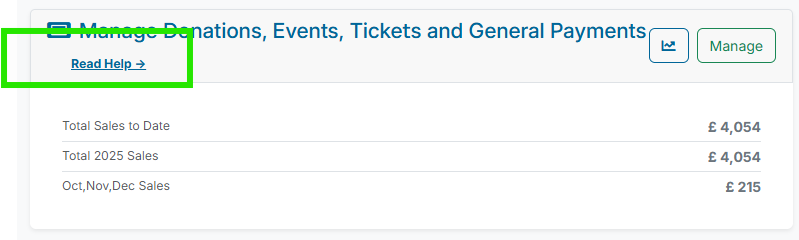
This link will direct users to the relevant Klubfunder Help documentation for the specific service they are using. It provides step-by-step instructions, feature explanations, and troubleshooting tips to help users understand how the service works and how to complete common tasks.
Accessing the help ensures users can quickly find answers to questions, learn best practices, and make the most of the tools available within the platform.