Appearance
Find Order
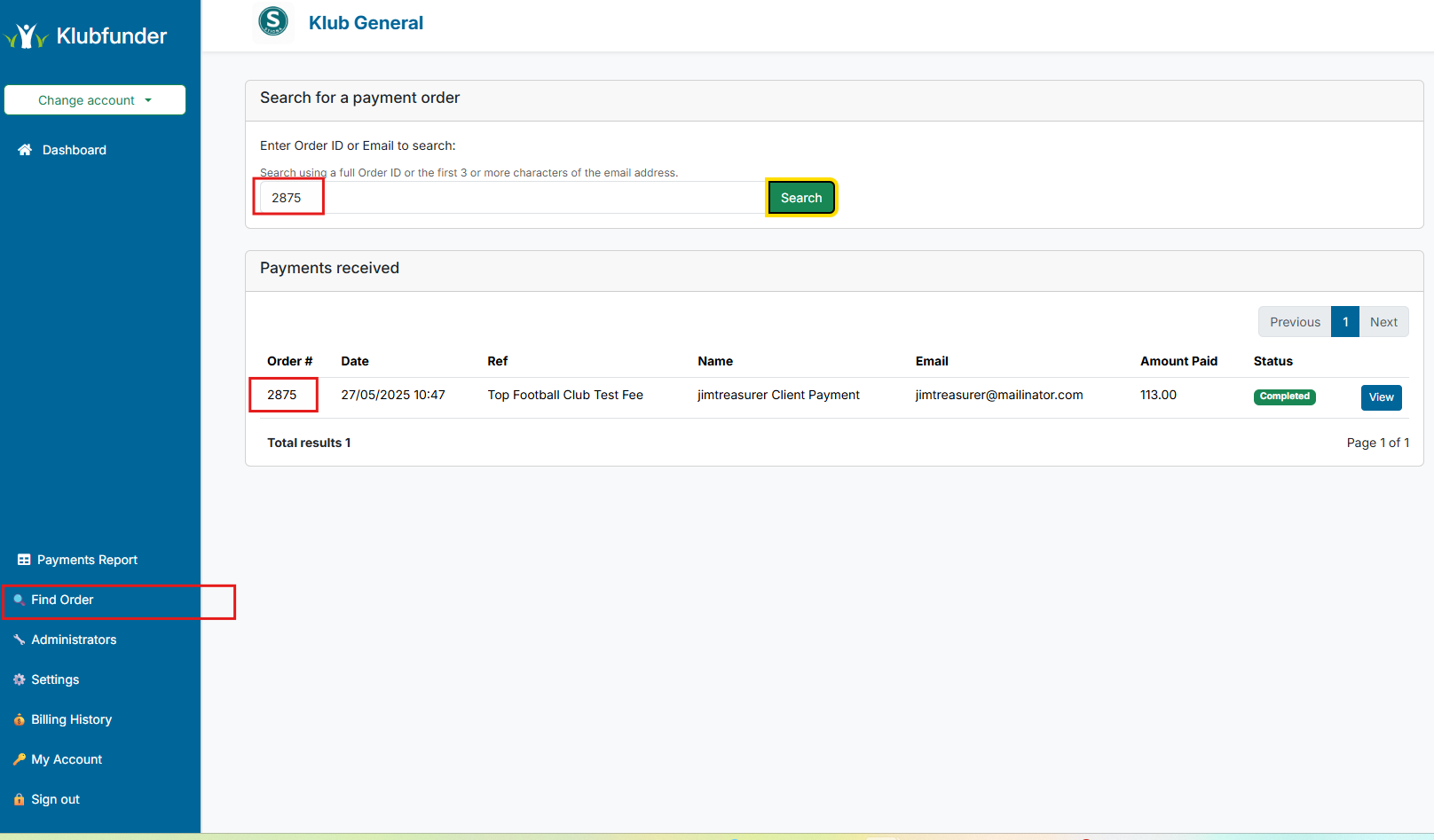
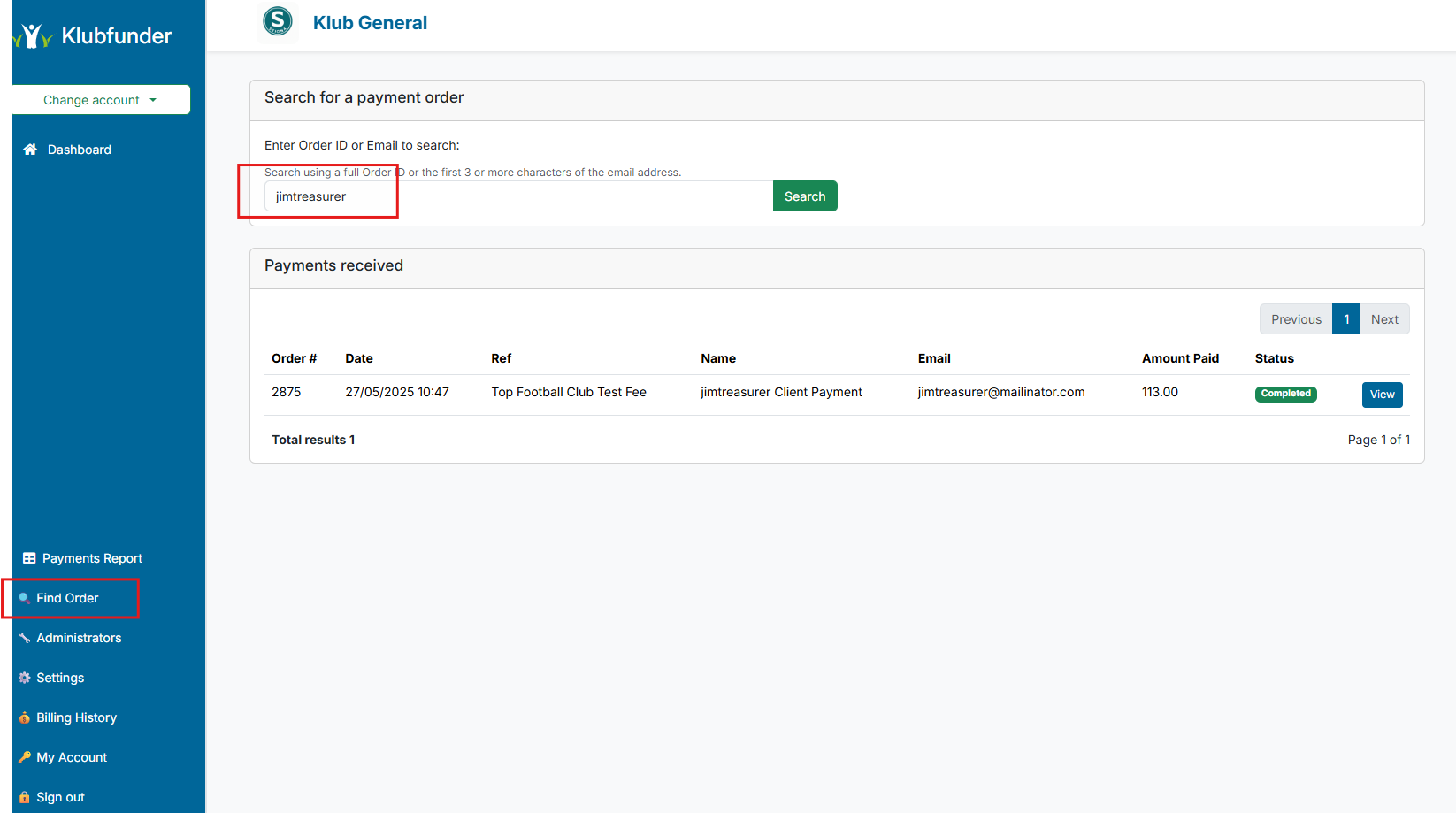
The Find Order screen allows the administrator to search for an order across all services.
The search screen accepts two inputs:
- An email address (or part of an email address)
- The exact Order ID
Find Order by Email
Email Address Search
You must enter at least 3 characters of an email address to perform a search.
The characters entered must match the beginning of the email address.
Find Order by Order Id
Order ID Search
When searching by Order ID, the complete Order ID must be entered.
Partial Order IDs will not return any results.