Appearance
Settings
Use Settings to manage your club configuration, payment setup, accounting codes, and subscription plan.
Before You Start
- You are logged in as a club administrator.
- You can see Settings in the left sidebar.
What You Can Manage
- Club Details
- Payment Providers
- Nominal Codes (Stripe only)
- Platform Plans
Club Details
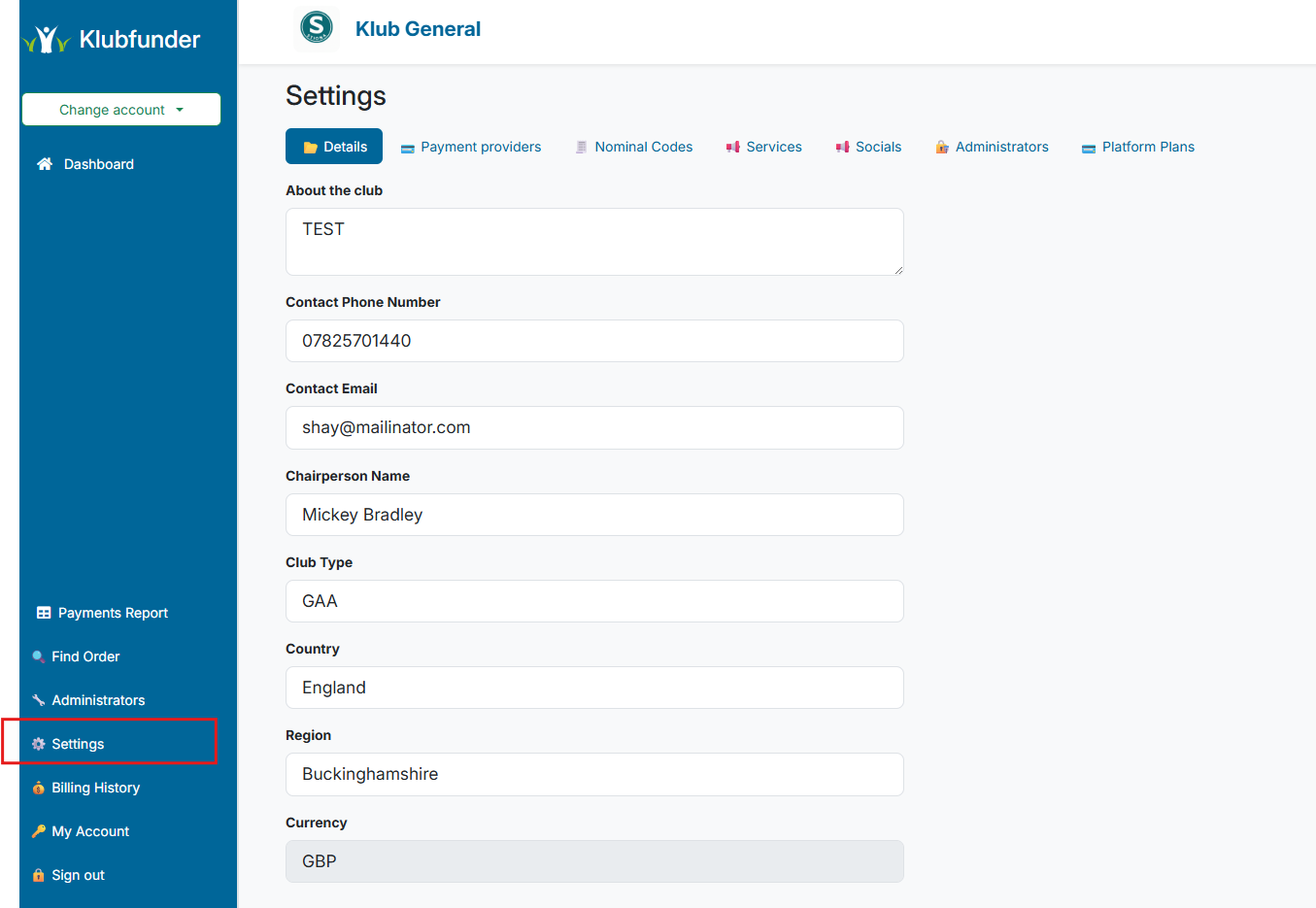
Use this section to update core club information (for example club name, contact details, and other profile information shown in the UI).
Steps
- Open Settings from the sidebar.
- Stay on the Club Details section.
- Update the fields you need.
- Save your changes.
Expected Result
Your updated club details are stored and reflected in the platform.
Payment Providers
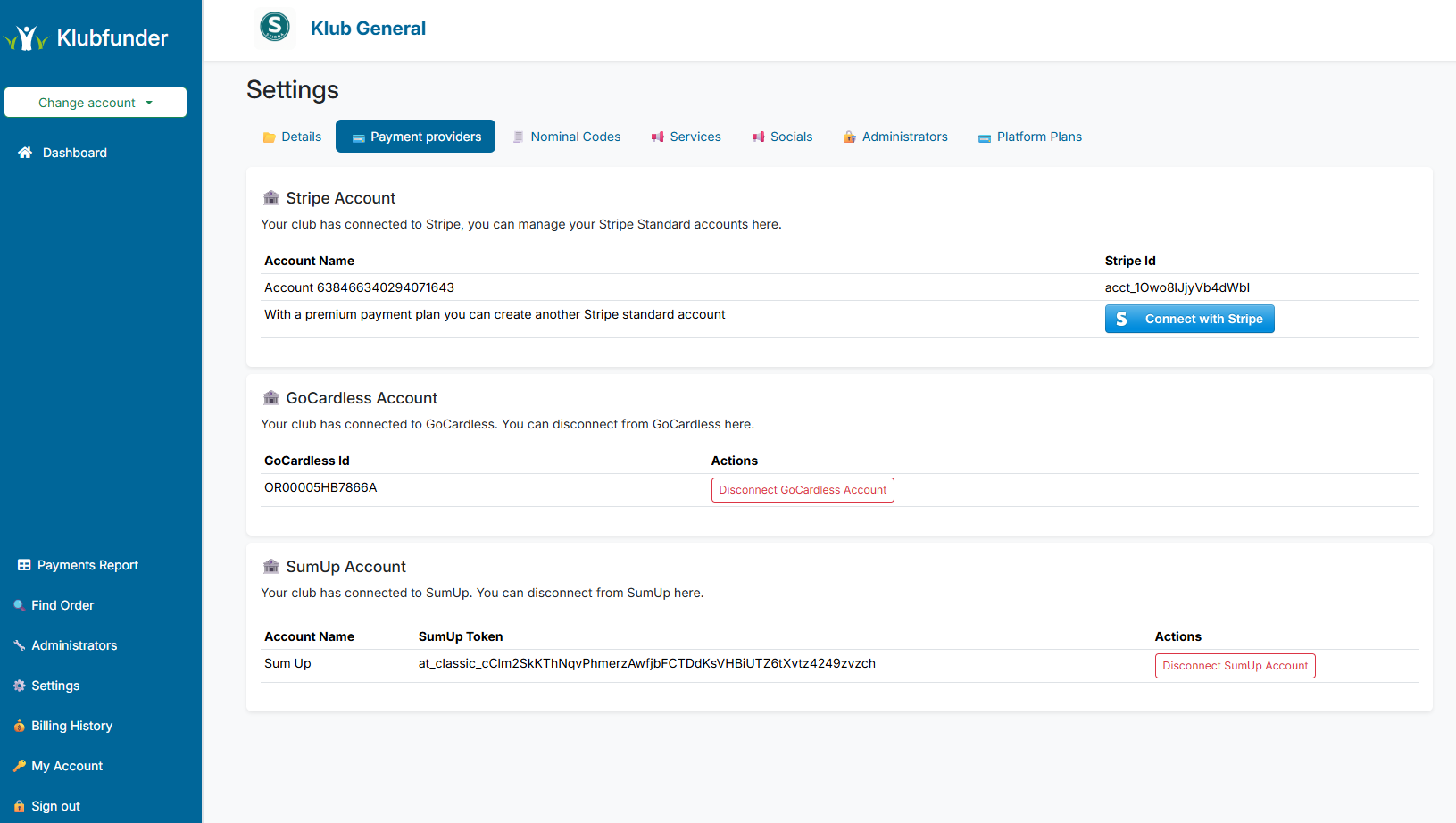
Use this section to connect or manage payment providers for your club.
Payment Provider Configuration
Connecting multiple payment providers is only available for clubs on plans that include this feature.
Steps
- Open Settings.
- Go to Payment Providers.
- Choose the provider you want to connect or manage.
- Complete the on-screen setup flow.
Expected Result
Your selected provider is connected and available for eligible payment flows.
Nominal Codes
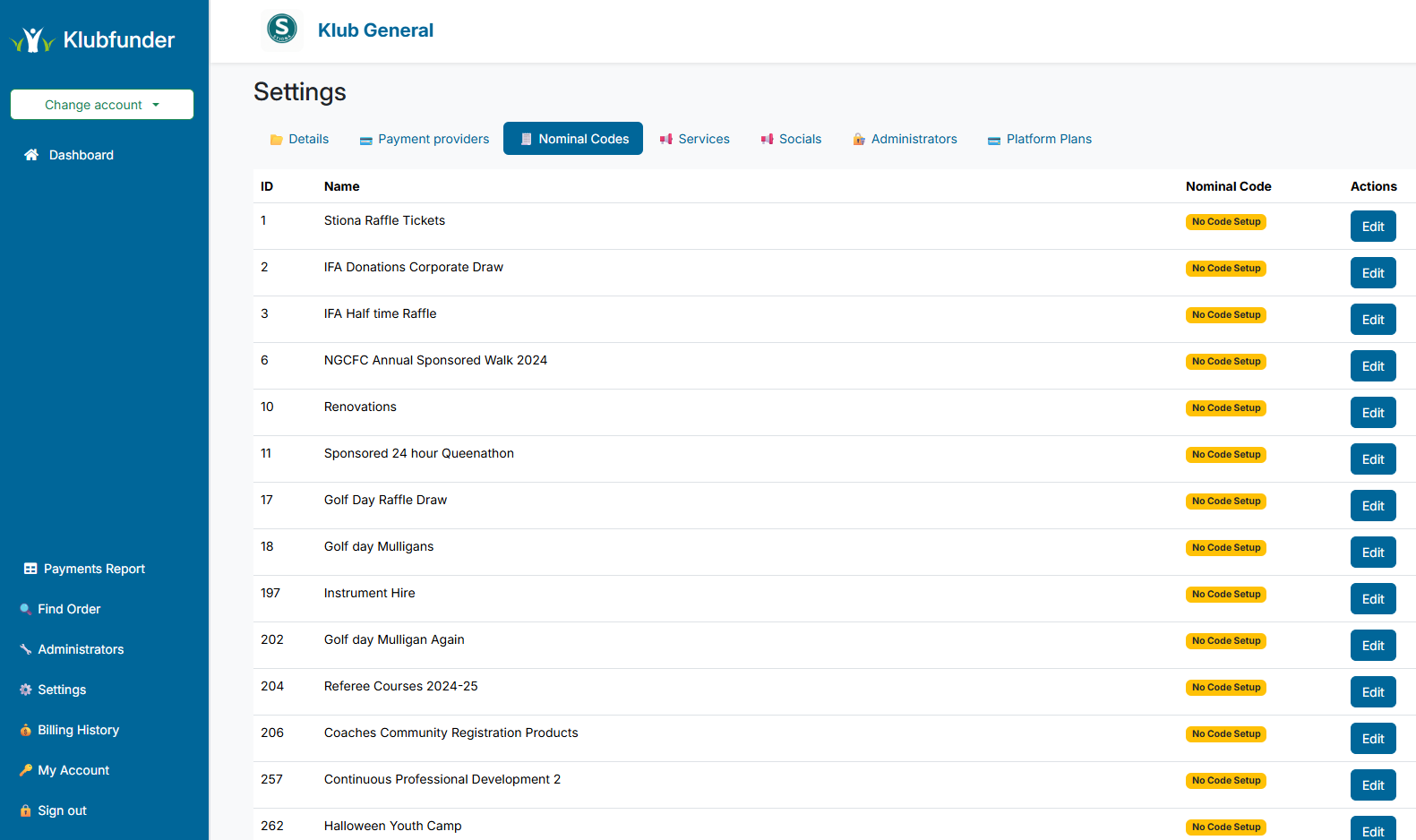
If your club uses Stripe, you can assign nominal codes to fundraisers for accounting and reconciliation.
Steps
- Open Settings.
- Go to Nominal Codes.
- Assign the required code to each fundraiser.
- Save your changes.
Expected Result
Nominal codes are attached to Stripe transactions and can be used in exported reports.
Platform Plans
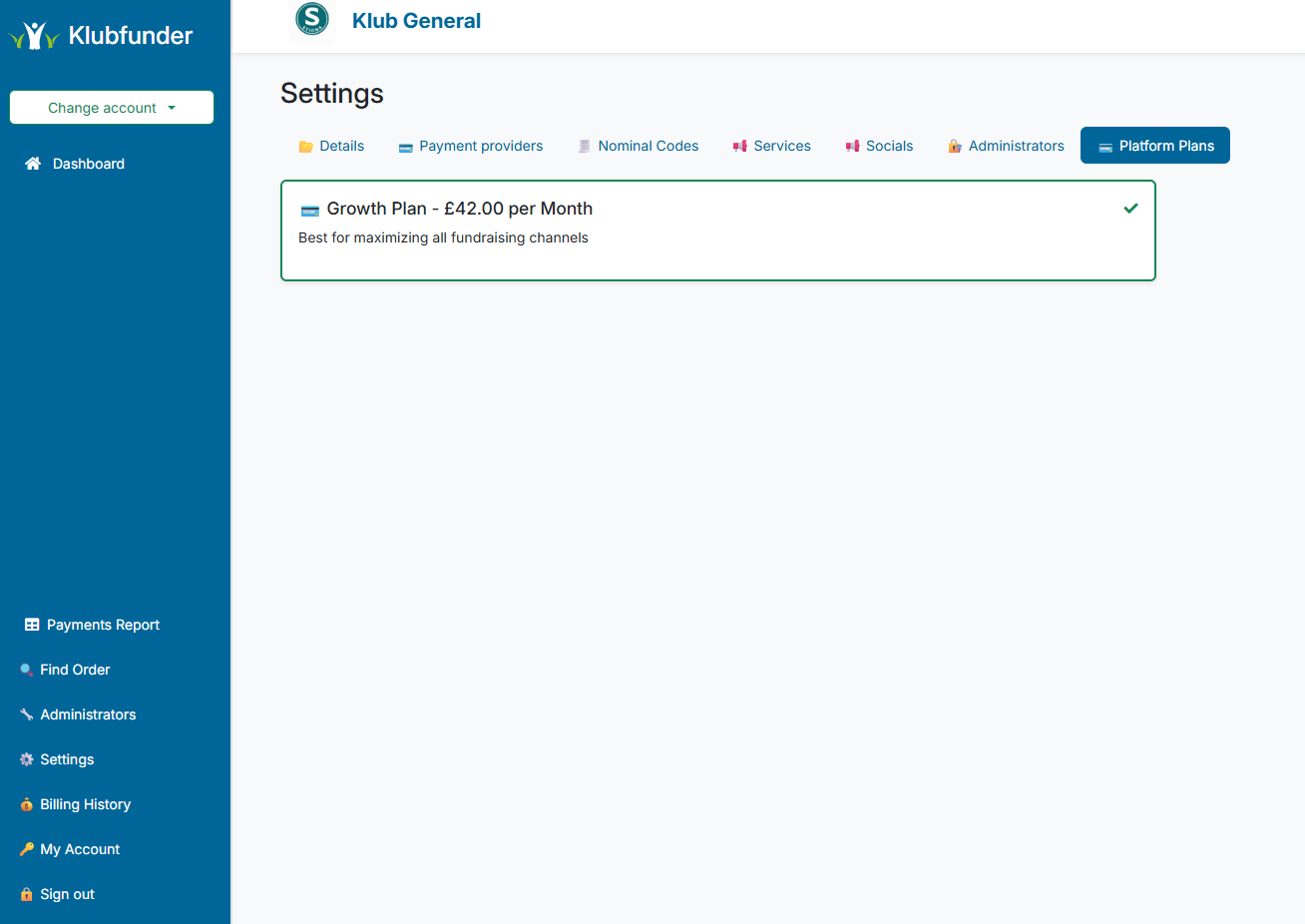
Use this section to review your current plan and move to a higher plan when needed.
Steps
- Open Settings.
- Go to Platform Plans.
- Review your current plan and available upgrades.
- Select the required plan and complete checkout.
Expected Result
Your club remains on the current plan or is upgraded after confirmation.