
Appearance
My Subscriptions
The My Subscriptions area displays a list of subscription payments that have been created by the currently logged-in user.
From this page, the user can view all of their subscriptions and see the payments associated with each subscription by clicking the View button.
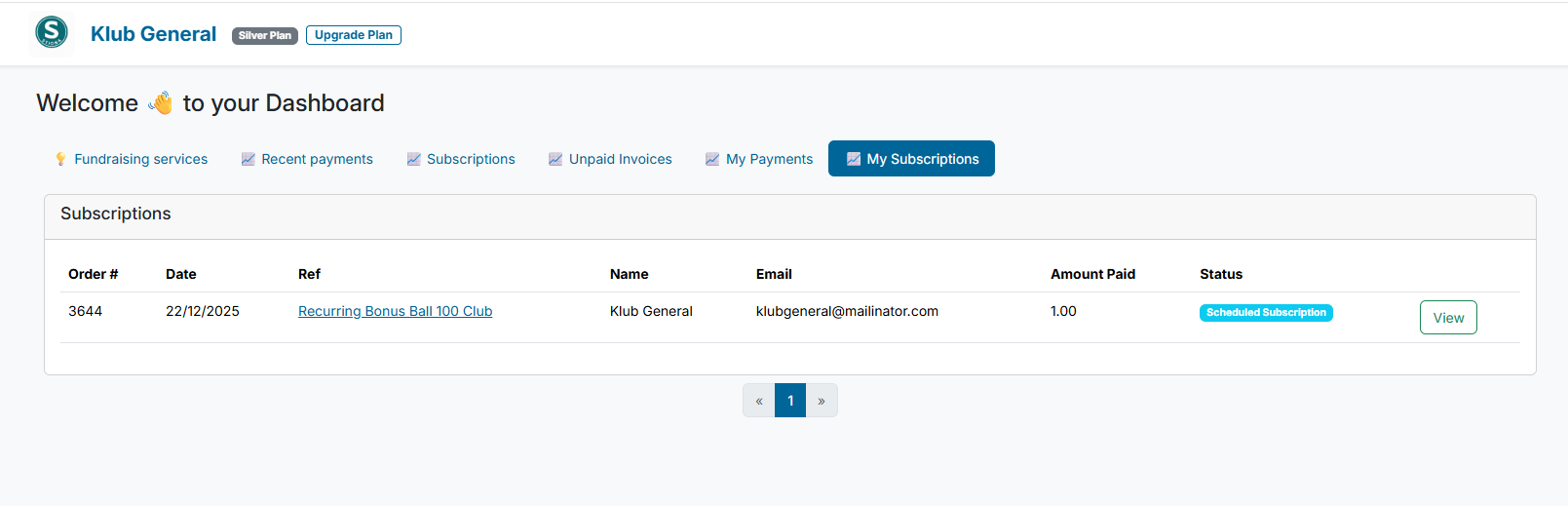
Viewing Subscription Details
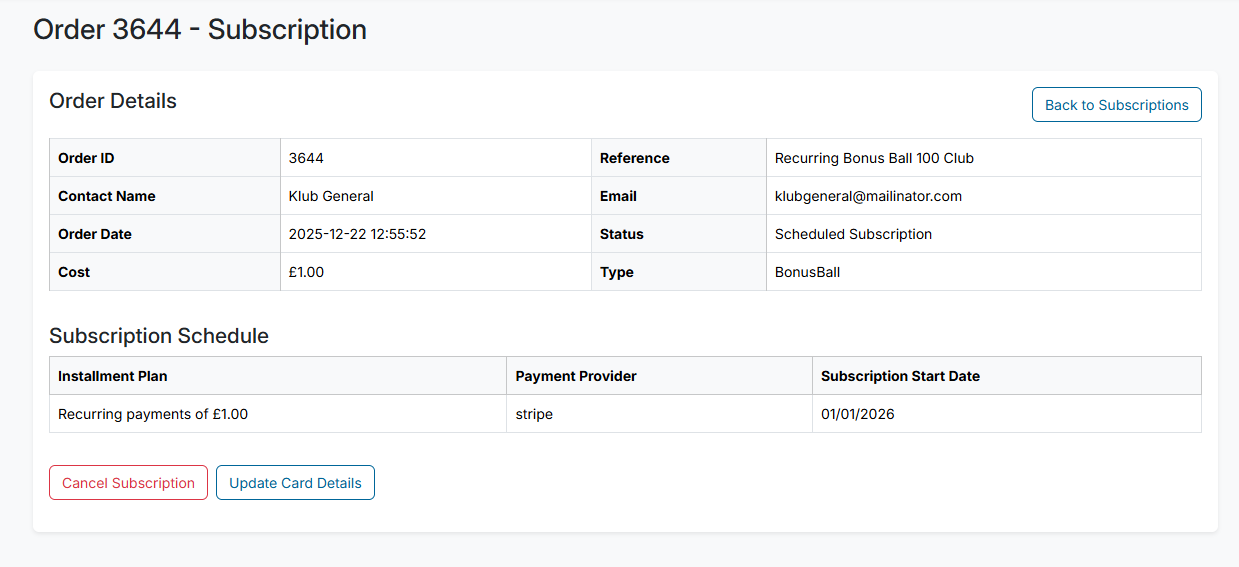
When the user clicks View on a subscription, they are taken to the subscription detail page. This page displays the payments associated with the selected subscription and provides options for managing the subscription payment.
Managing a Subscription
From the subscription detail view, the user has the following options:
Update Card Details (Stripe Only)
Allows the user to update the payment card associated with the subscription by selecting a different card.Cancel Subscription Payment
Cancels the subscription and ensures that no future payments are taken from the user’s account. Any payments that have already been processed are not affected.